✦
Ask With Vault Context
Forgot what a note said? Ask from your phone while Claude or Codex reads context on the paired host.

For people who already trust Obsidian with their notes but still need files, search, and local AI when they step away from the Mac.
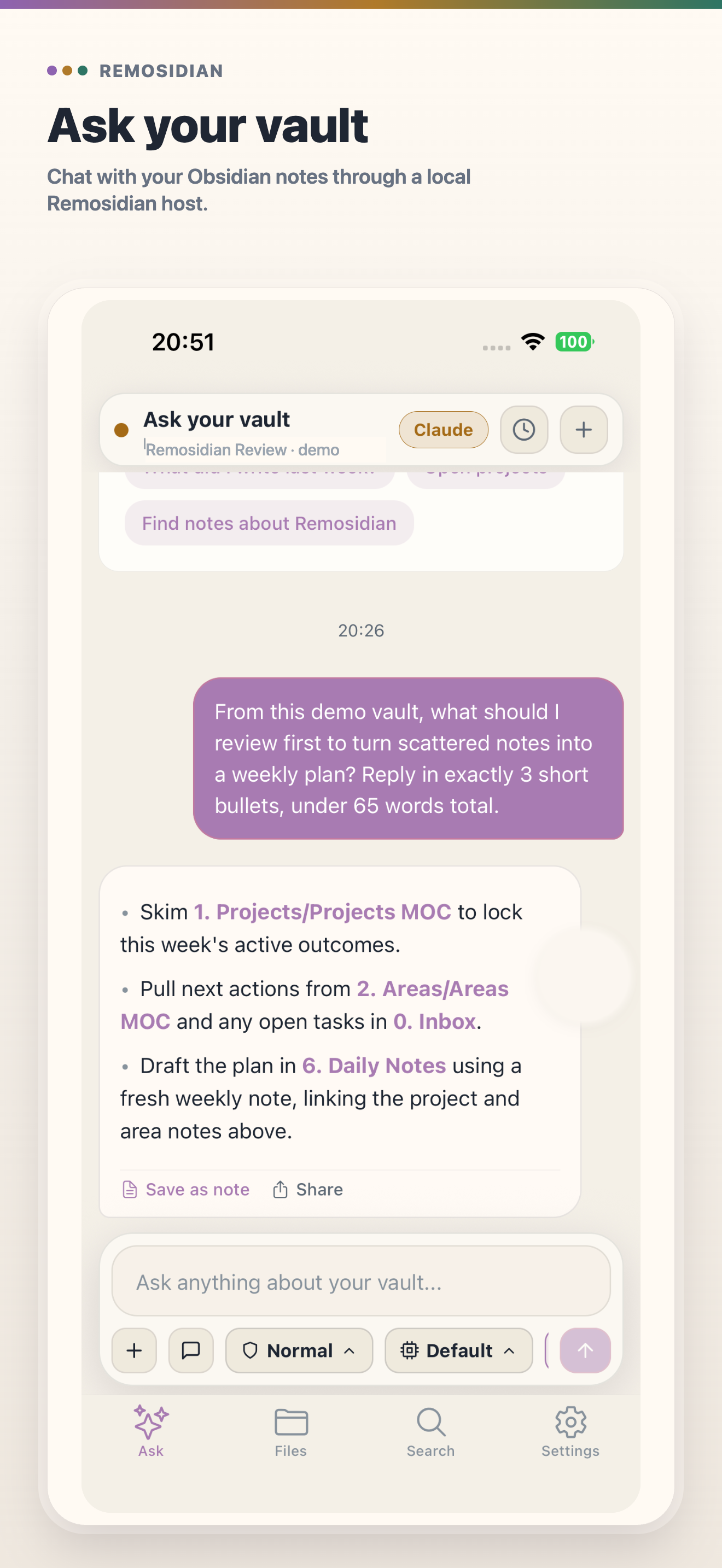
Forgot what a note said? Ask from your phone while Claude or Codex reads context on the paired host.
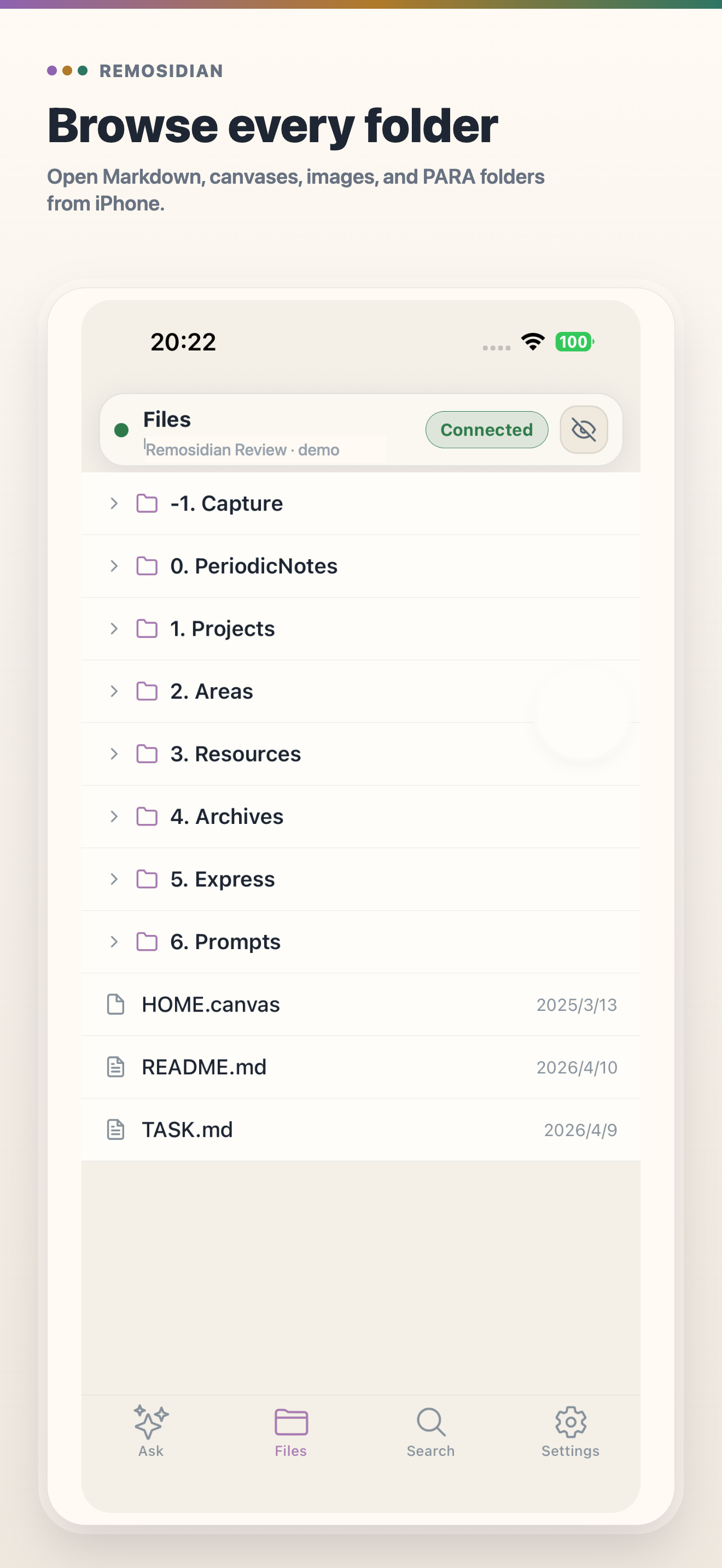
Open folders, read Markdown, and follow wikilinks on the go without syncing the whole vault elsewhere.
Run npx remosidian in your vault folder — the fastest way to add local pairing. Your vault stays on the Mac.
Start with --access=local, then switch to --access=https://... or --access=<host> only when you need away-from-desk access.
Bind the phone to this host with a short-lived QR code, no account required.
Download the free Remosidian Host plugin to start pairing inside Obsidian.
Install the phone app first, then start the host from your vault and scan the pairing QR code when you need mobile access.
Join the public TestFlight build for iPhone and iPad while the App Store release is being prepared.
Open TestFlightDownload the current Android APK from Feishu and install it on your device.
Download APKThe screenshots are produced from the public LifeOS Pro PARA demo vault so no private notes, paths, or repository details appear in marketing assets.
Remosidian turns common mobile moments into safe host-backed actions.
Send the prompt from your phone while Claude or Codex runs on the host and reads the vault references you choose.
Browse folders, render Markdown, follow wikilinks, and open answer sources without making a second cloud vault.
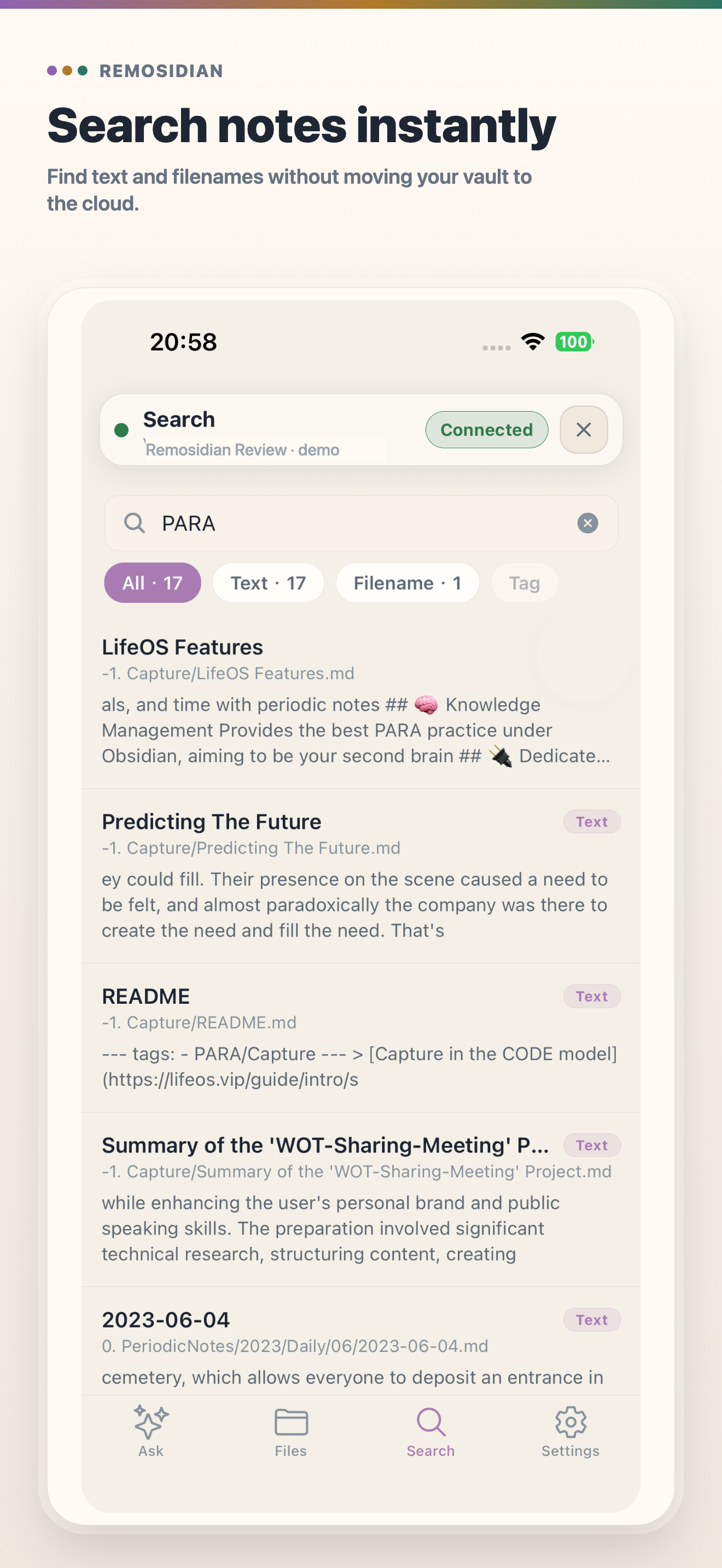
Search filenames, text, or tags on the paired host, so indexes and note contents stay local.
Quick capture writes into the same vault instead of creating another inbox you will need to reconcile later.
CLI mode is fastest when you just need access to a vault. The free Remosidian Host plugin is for people who want pairing controls inside Obsidian.
Run one command where the vault lives, then scan the QR code before you leave the computer.
cd ~/Documents/MyVault
npx remosidianDownload the free Remosidian Host plugin from https://www.feishu.cn/file/KvSRbRw0booVmmxZesycHEqZnbh and manage pairing from the plugin settings UI.
Obsidian Plugin HostThe phone receives just enough runtime, vault, and connection information to act as a remote.
Pair on the network you trust first. Add relay or host settings only when your away-from-desk setup needs them.
Run the command in the vault root and scan the QR code printed by that host.
cd ~/Documents/MyVault
npx remosidianUse this when your phone and computer are already on the same trusted network.
npx remosidian --access=localUse one access target for the network path you already trust.
npx remosidian --access=https://<your-url>
npx remosidian --access=<stable-host>Pass comma-separated private-network hosts when your device may reach the Mac through more than one route.
npx remosidian --access=<host>,<fallback>Remosidian pairs the phone with a host that already has the vault. It does not create another canonical copy of your notes.
The short answers to the setup questions that usually matter first.
No for CLI mode. Run npx remosidian against any vault path.
Yes for the Obsidian plugin mode. The host lives inside the Obsidian process and stops when Obsidian closes.
No. Remosidian Host is a free desktop plugin distributed from https://www.feishu.cn/file/KvSRbRw0booVmmxZesycHEqZnbh. It is not available in the Obsidian community plugin directory.
Pairing windows are intentionally short-lived. If you miss the window, open a new QR from the CLI or plugin settings.
Check that the host is running and that the device is paired with the same runtime: CLI or Obsidian plugin. If you switch runtime, scan the new QR once.
Yes. Use --access=local for LAN-only pairing, --access=<host> for a stable hostname, or --access=https://... for a relay you already manage. Legacy --local, --host, and --relay flags still work.